Embed a PDF on your website — free, no watermark
Upload a PDF, copy one line of iframe code, and drop a clean, responsive viewer straight into your site — WordPress, Wix, Squarespace or plain HTML. No watermark, no plugins, no account needed for your readers.
Free to start — sign in to host your first document.
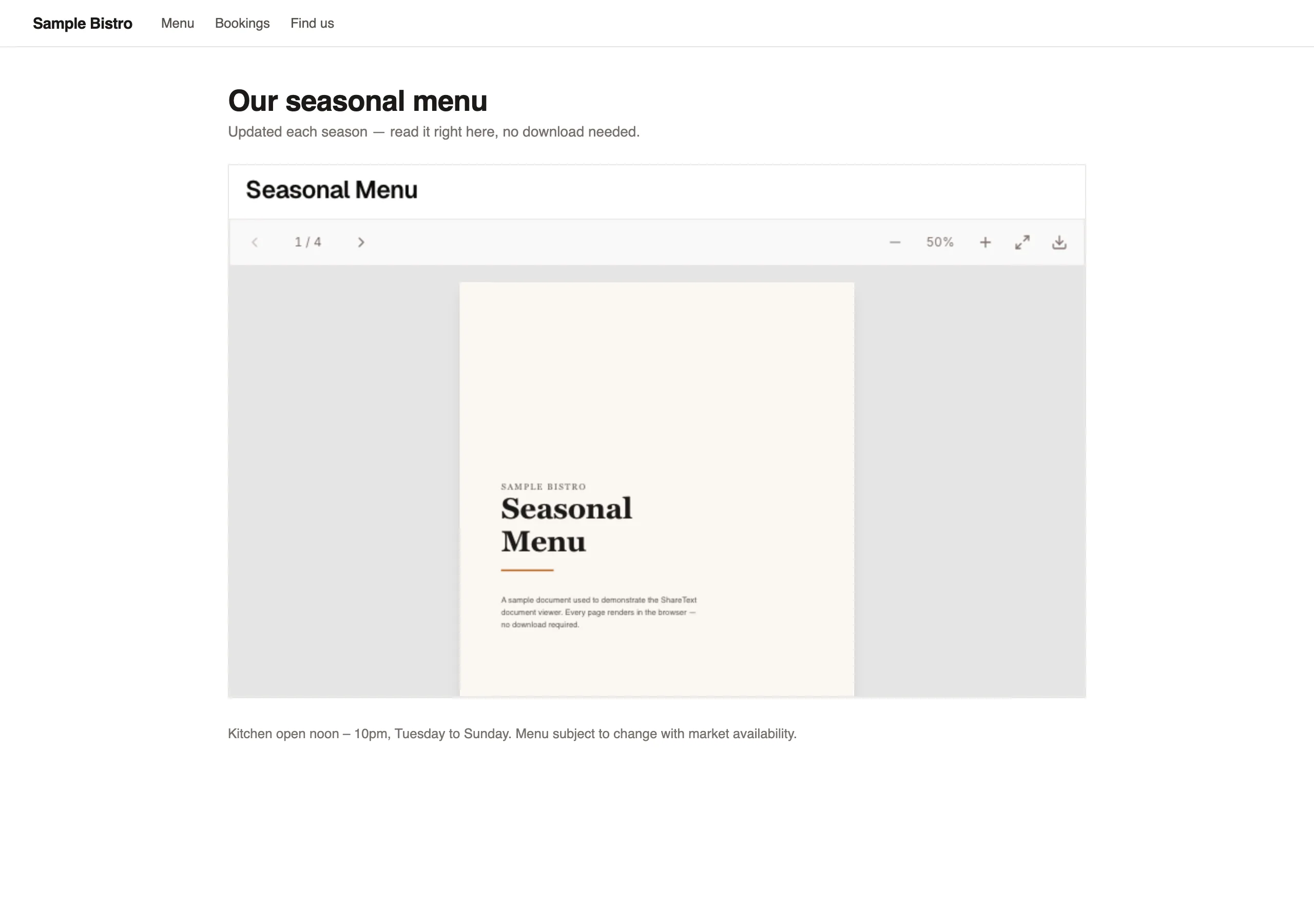
Upload your PDF — no conversion, no waiting
Drop in a brochure, catalog, report, menu or whitepaper. It is hosted as a clean public page instantly, ready to embed anywhere.
- No file conversion or software to install
- Pick a simple viewer or a page-turn flipbook
- Brand it with your logo, cover image & accent color
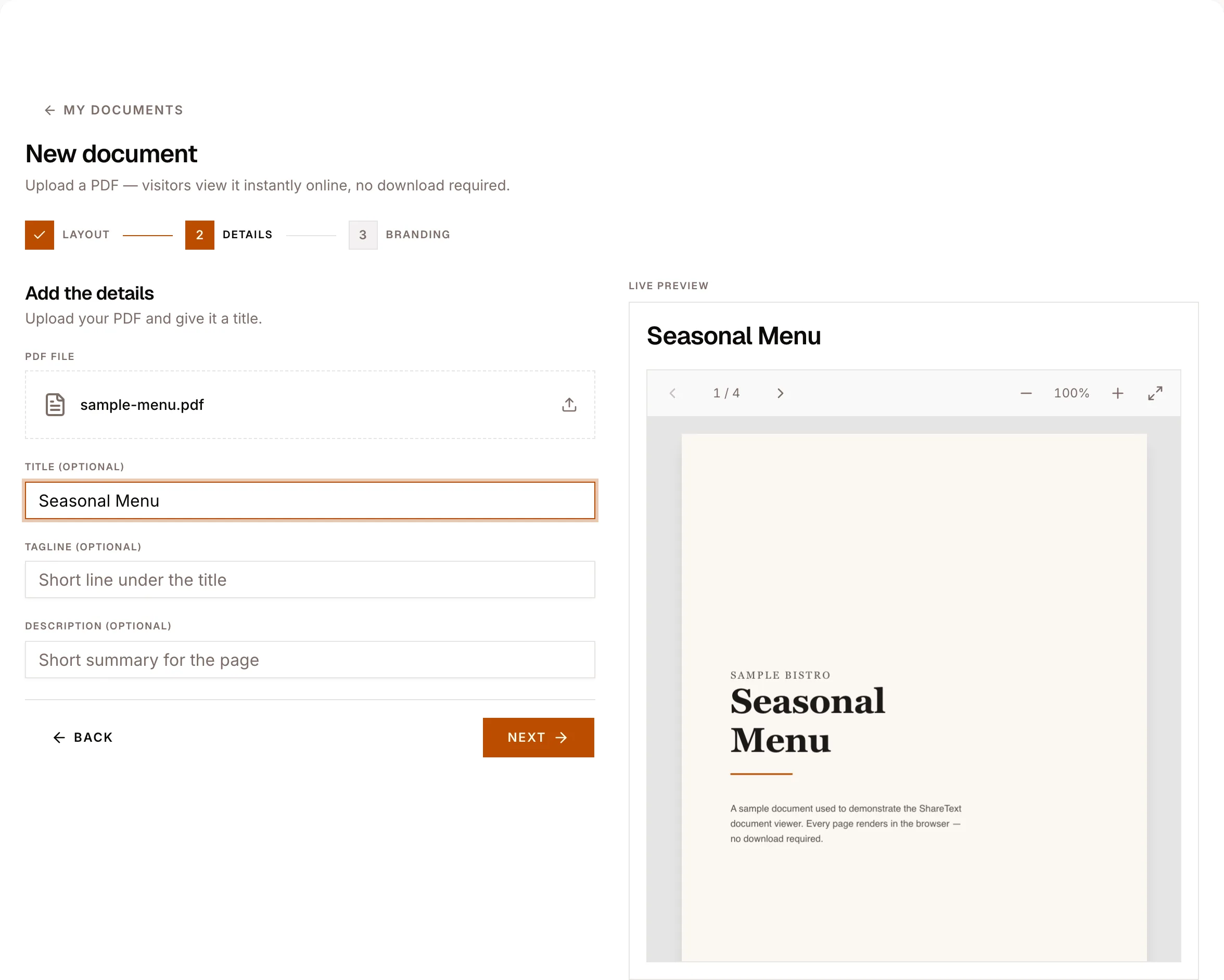
Copy one line of embed code
Every document comes with a ready-made iframe snippet. No API keys, no account for your visitors, no JavaScript widget to configure.
- A single copy-and-paste iframe
- Works on WordPress, Wix, Squarespace, Shopify & raw HTML
- Update the PDF anytime — the embed stays in sync
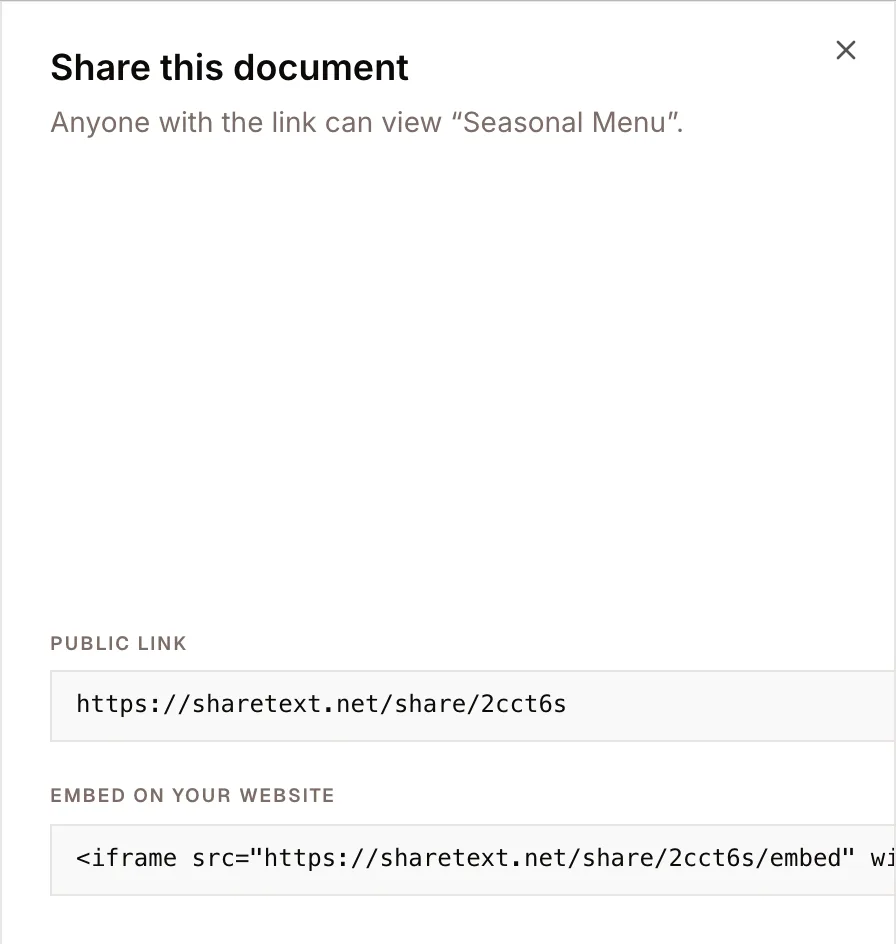
<iframe src="https://sharetext.net/share/ab12cd/embed"
  width="100%" height="600" style="border:0"
  allowfullscreen loading="lazy"></iframe>
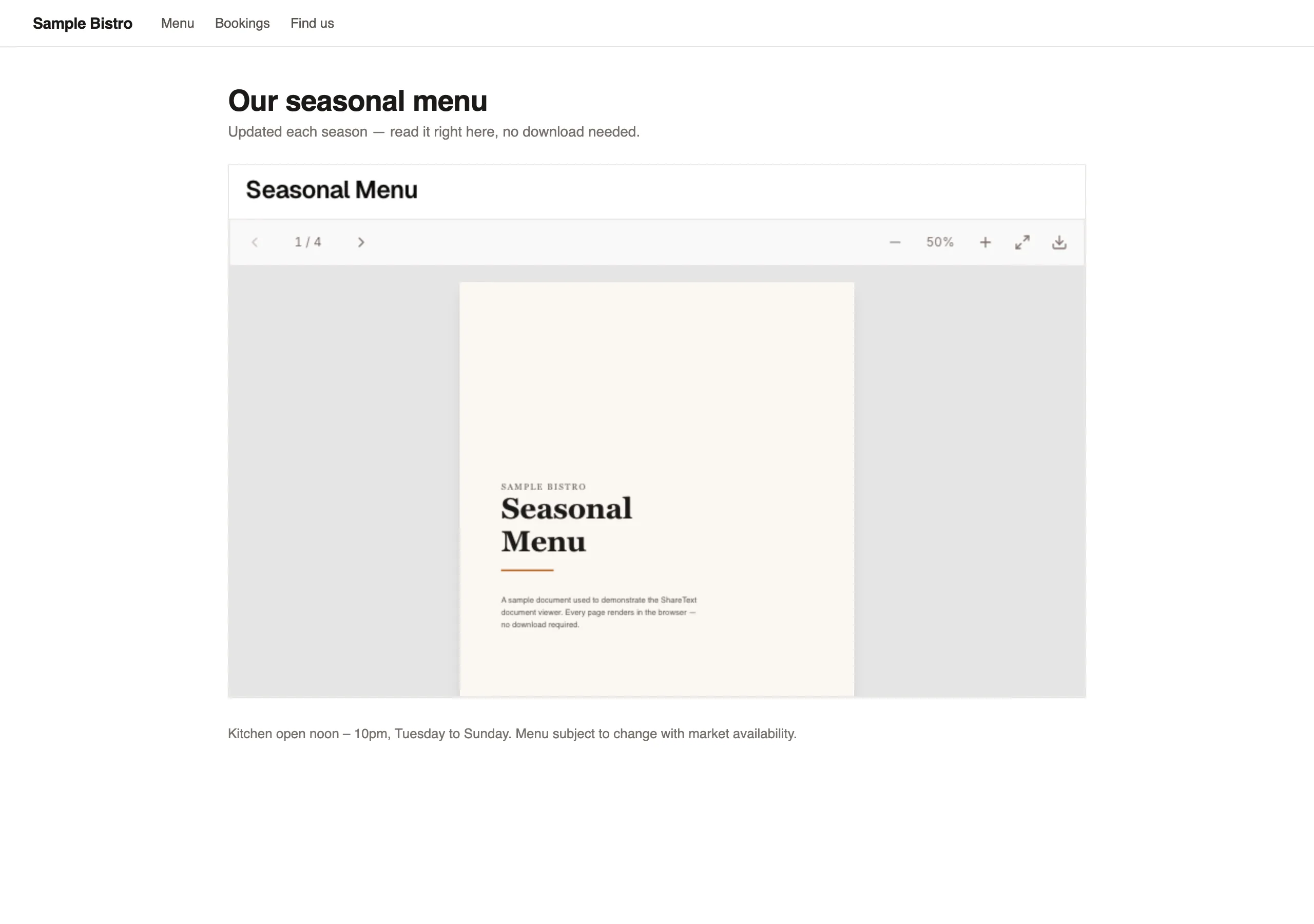
A clean, responsive viewer on your site
Paste the snippet and the PDF renders inline — with page navigation, zoom and fullscreen, and absolutely no watermark over your content.
- No watermark and no third-party branding
- Responsive — fills whatever space you give it
- Fast in-browser rendering, no plugins for readers
Why embed with ShareText
A no-watermark PDF embed that just works — published in under a minute.
Free to start
Host and embed a PDF without paying upfront.
No watermark
Your document, your branding — nothing of ours on it.
One-line iframe
Copy, paste, done — works on any website builder.
Viewer or flipbook
A clean reader or an interactive page-turn book.
Stays in sync
Swap the PDF and every embed updates automatically.
Mobile-ready
Reads beautifully on phones, tablets and desktop.
Why embedding beats linking out
A link to a PDF sends people away from your page. Some come back, many do not — and on mobile a fair share never see the document at all, because the browser downloads the file instead of displaying it. Every step between a visitor and the content is a place to lose them, and a download prompt is a big one.
An embedded viewer keeps the document inside the page it belongs to. The menu sits on the restaurant page, the spec sheet sits on the product page, the programme sits on the event page. Visitors read it in context, with your navigation still around them, and your analytics still counting them as being on your site.
It also fixes the presentation problem. A raw PDF link renders differently in every browser and hands your reader the host application's interface. An embed renders the same way everywhere, inside a frame you have sized and coloured to match the page around it.
What the iframe actually does
Each document gets a dedicated embed URL that is explicitly allowed to be framed by other sites — the frame-blocking headers that protect the rest of the app are lifted on that one route. You paste a standard iframe tag; there is no script to load, no plugin to install, and nothing that breaks when a browser changes its plugin policy.
The frame is responsive: give it a width of 100% and it fills whatever container you put it in, on a phone as readily as on a desktop. Set the height to suit the document — taller for portrait reports, shorter for landscape brochures — and use lazy loading so a document further down a long page does not compete with content above the fold.
Because the embed points at a page rather than a file, you keep control after publishing. The canonical share link and the embed render the same document from the same source, so anything you change is reflected in both without touching the HTML on your site.
Where people put these embeds
Restaurants and cafés embed a menu that changes seasonally, so the website never shows last season's prices. Estate agents embed floor plans and brochures on a listing page. Manufacturers embed spec sheets and manuals on a product page, where the person reading is already deciding whether to buy.
Schools and event organisers embed timetables and programmes. Consultancies embed a whitepaper as a readable document rather than a gated download, which removes the friction of a form for readers who are only browsing. Agencies embed a portfolio as a flipbook so a case study feels like a publication rather than an attachment.
The common thread is documents that are updated more often than the page around them. Anything that changes on its own schedule — prices, availability, versions, dates — benefits from living behind a stable embed rather than being re-uploaded into the page every time it changes.
Frequently asked questions
Do I need a plugin or a WordPress add-on?
No. It is a plain iframe tag, so it works on WordPress, Webflow, Squarespace, Shopify, a static site, or hand-written HTML — anywhere you can paste markup.
Will the embed work on mobile?
Yes. Set the width to 100% and the viewer fills its container and stays usable on small screens, with the same controls as on desktop.
Can visitors download the PDF from the embed?
Only if you allow it. Downloads are off by default, and with them disabled the viewer hides its download control and serves the file for viewing only.
Does the embed slow my page down?
Add loading="lazy" to the iframe and the document loads only when the reader scrolls near it, so it does not compete with the content above the fold.
Can I embed the same document on more than one site?
Yes. The embed URL is not tied to a single domain, so the same document can appear on as many pages and sites as you like.
What happens if I update the document?
The embed URL stays the same, so every page it appears on reflects the change without you editing any HTML.
Can I embed a flipbook rather than the plain viewer?
Yes. The layout is a setting on the share, and the embed renders whichever layout you have chosen — including the page-turn flipbook.
Is there a file size limit?
PDFs can be up to 20 MB. Pages are rendered on demand, so a long document starts displaying without waiting for the entire file to arrive.
Embed your first PDF
Upload a PDF, copy the iframe snippet, and paste it into your site. No watermark, free to start.
New to hosting? Start with the PDF viewer and flipbook overview.