Share, view & embed your PDFs and images
Turn a PDF or a set of images into an instant public page — share the link, let people read it as a clean viewer, a page-turn flipbook or a scrollable gallery, and embed it on your website with a QR code.
Free to start — sign in to create your first document.
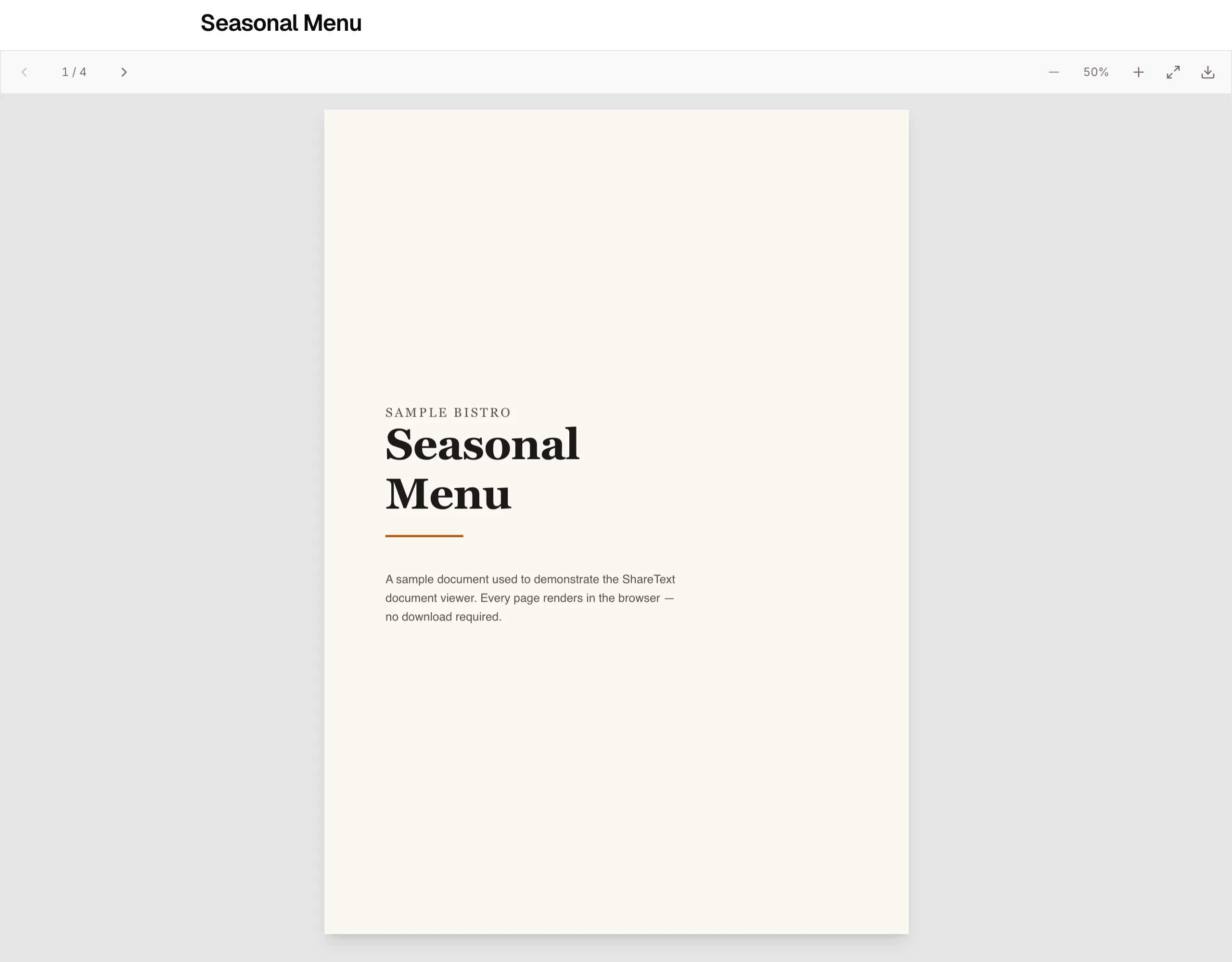
Upload a PDF or images, get an instant page
Drop in a brochure, menu, resume or catalog — as a PDF or as a set of photos — and publish it as a clean public page. No downloads required to read it.
- A shareable short link, ready immediately
- A scannable QR code for print & packaging
- Set it public or keep it a private draft
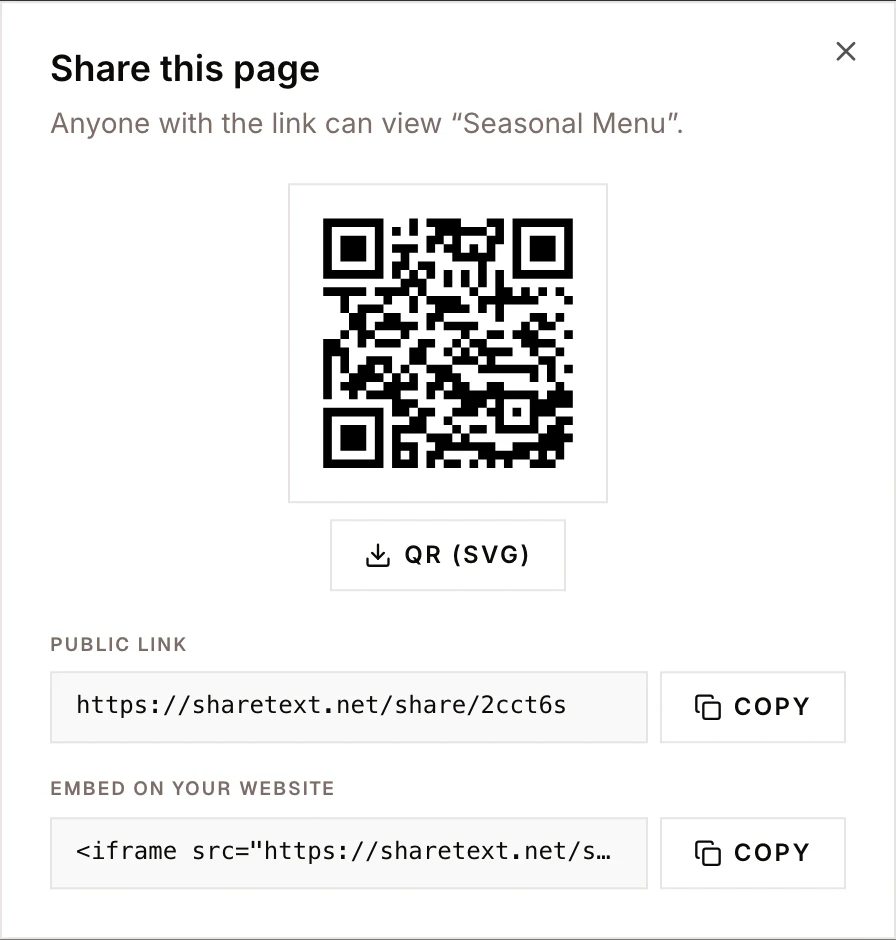
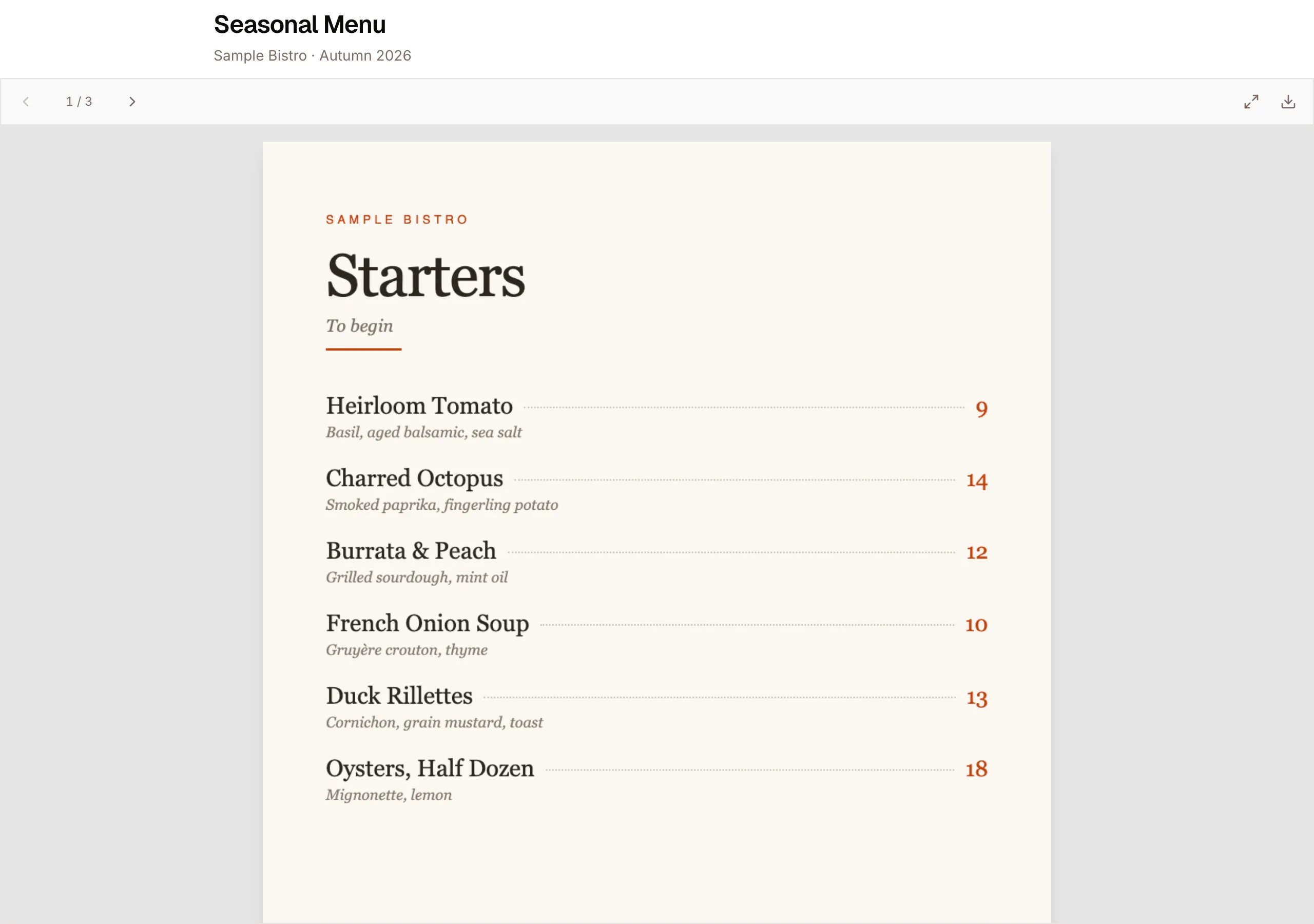
A viewer, a flipbook, or a scrollable gallery
Pick a layout. The simple viewer gives page navigation, zoom and fullscreen; the flipbook turns pages like a real book; the gallery scrolls through images.
- Smooth, in-browser rendering (no plugins)
- Brand it with your logo, cover & accent color
- Works great on mobile and desktop
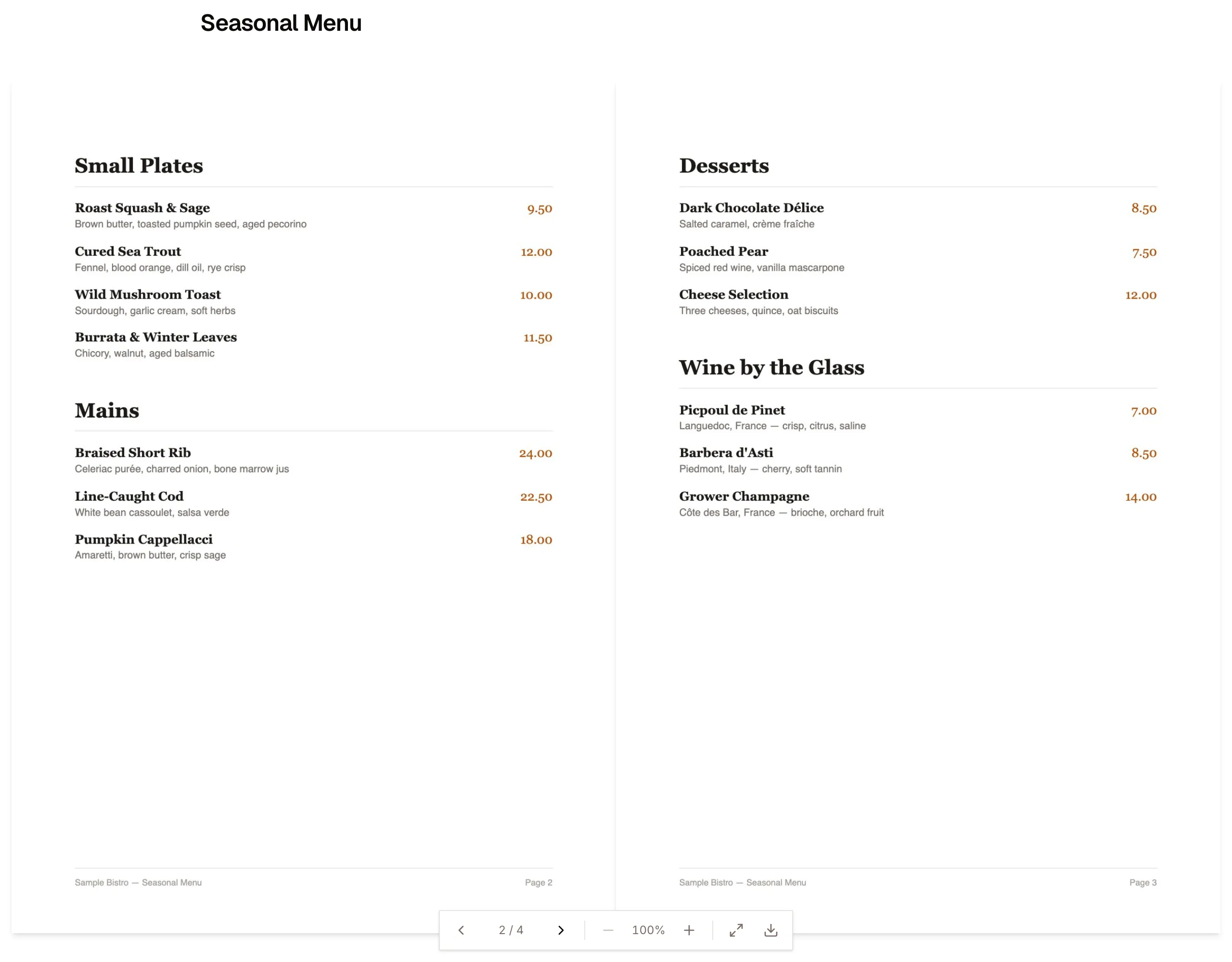
Drop it into your own website
Every document comes with an iframe embed snippet. Paste it into your site and the viewer renders inline — flipbook and all.
- One-line iframe, copy and paste
- Responsive — fills the space you give it
- Update the PDF anytime, the embed stays in sync
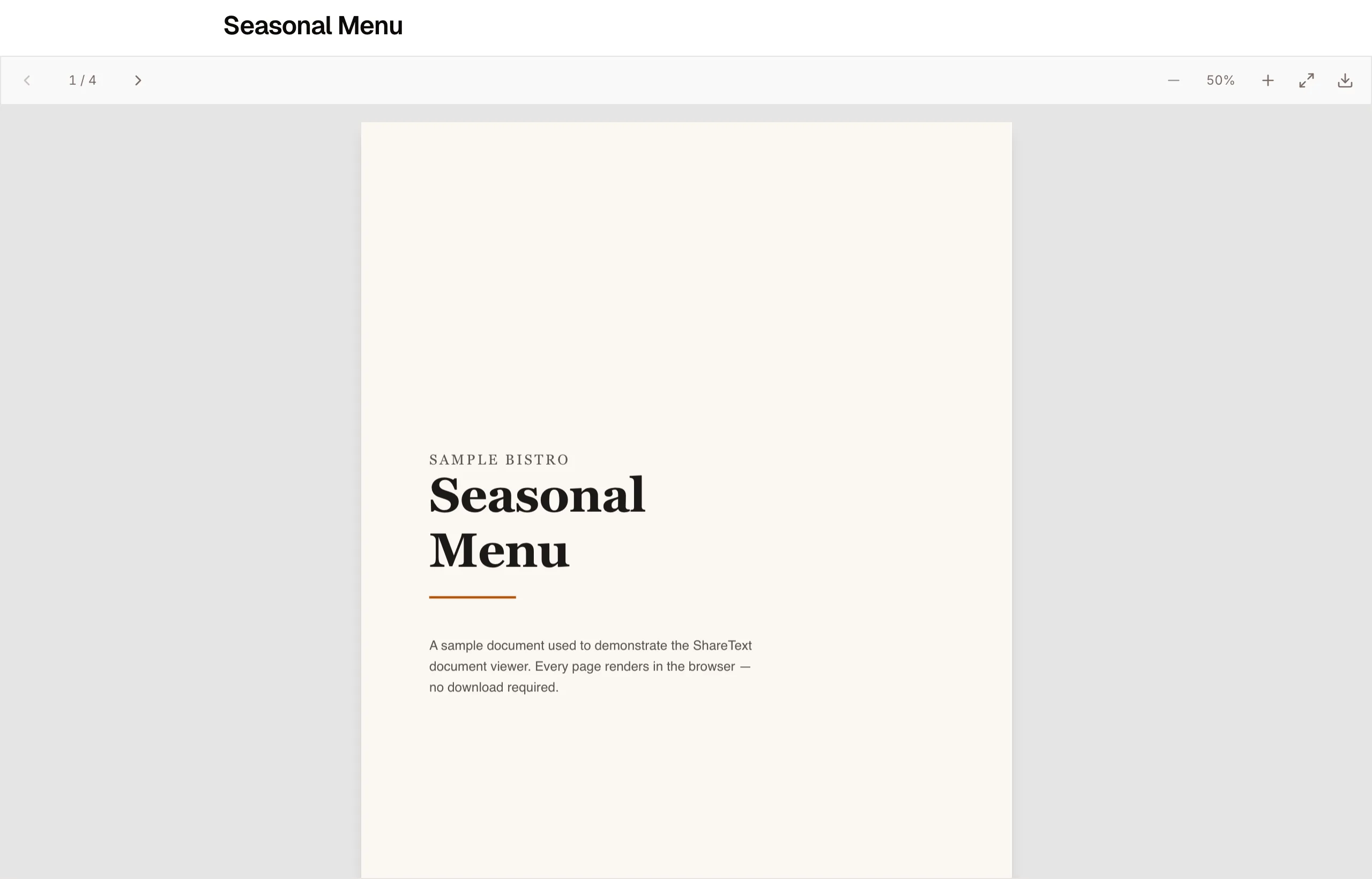
<iframe src="https://sharetext.net/share/ab12cd/embed"
  width="100%" height="600" style="border:0"
  allowfullscreen loading="lazy"></iframe>
Everything in one place
From link to QR to embed — published in under a minute.
Instant link
Publish and share a short URL in seconds.
QR code
A scannable code for menus, flyers & packaging.
Website embed
An iframe snippet to drop into any page.
Layouts
Simple viewer, page-turn flipbook or image gallery.
Branding
Your logo, cover image and accent color.
Download control
Allow or disable downloads per page.
Why a hosted viewer beats a raw PDF link
Linking straight to a .pdf file hands control to whatever the reader happens to be using. Desktop Chrome opens its built-in viewer. Some mobile browsers download the file instead of showing it. Corporate setups intercept it and open a desktop application. In-app browsers inside social and messaging apps frequently do the worst thing of all — a blank frame with a download prompt.
A hosted viewer removes that variability. The PDF renders inside a page you control, with the same toolbar, the same navigation, and the same first impression on every device. Readers land on something that looks intentional rather than on a file dialog, and you can put your name and colours around it instead of the browser's grey chrome.
It also means the URL is a page rather than a download. You can put it on a business card, behind a QR code, or in an email signature without worrying that half the people who open it will get a file in their downloads folder instead of the document you wanted them to read.
Viewer, flipbook or gallery — which to choose
The simple layout is a clean, scrollable reader with page navigation, zoom, fit-to-width, and fullscreen. Pick it for anything people need to read closely or search through: reports, manuals, whitepapers, price lists, technical documentation. It gets out of the way and behaves the way readers expect a document to behave.
The flipbook layout renders each page as an image and animates a page turn. Pick it when the document is meant to be browsed rather than studied — menus, brochures, lookbooks, catalogues, programmes, portfolios. The page-turn interaction slows readers down slightly, which is the point when you want them to look at spreads rather than scan for a fact.
The gallery layout takes images rather than a PDF — up to twenty of them — and presents them as one scrollable column with prev/next controls and a page counter. Pick it when what you have is photographs rather than a designed document: a restaurant menu shot on a phone, a room-by-room property listing, a portfolio, a set of product shots. It saves you having to assemble a PDF just to put pictures on a link.
You are not locked in. The layout is a setting on the share, so you can publish as a simple viewer, look at it, and switch to flipbook without re-uploading the file or changing the URL you have already sent out. Switching between the PDF layouts and the image gallery is the one exception — those hold different kinds of content, so you pick that at upload time.
Branding, embedding, and the link that stays the same
Every share carries your own logo, accent colour, title, and tagline, all of which are optional — leave them blank and the page renders as a clean document with no chrome at all. The accent colour tints the viewer frame so an embedded document sits inside your site's palette rather than fighting it.
The embed URL is a separate route that is deliberately framable, so you can drop the document into your own site with a standard iframe and no plugin. The canonical share page stays available at its own URL for people you send the link to directly, and both views render the same document from the same source.
Because the destination is a page rather than a file, you can update what people see without reissuing anything. The link you printed, embedded, or turned into a QR code keeps working while the content behind it changes.
Frequently asked questions
What file types can I publish?
A PDF of up to 20 MB, or a set of up to 20 images (JPG, PNG or WebP, up to 5 MB each). Every upload is validated by extension, MIME type, and header bytes.
Do readers need an account or a plugin?
No. The viewer runs in the browser with no sign-in, no download, and nothing to install — on desktop and mobile alike.
Can I switch between the simple viewer and the flipbook?
Yes. The layout is a setting you can change at any time, and the share URL does not change when you do.
Can I stop people downloading the PDF?
Yes. Downloads are off unless you enable them. With downloads disabled, the document is served for viewing only and the toolbar hides its download control.
Will the document appear in Google results?
Only if you choose. Shares are not indexable by default, so a published document stays private to the people you send it to unless you opt in.
Can I embed the document on my own website?
Yes. Every share has a dedicated embed URL that is allowed to be framed, so a standard iframe works on any site without a plugin.
Can I change the PDF later without changing the link?
The share URL is stable, so anything you have already printed, embedded, or encoded in a QR code keeps pointing at the same page.
How many pages can the document have?
There is no page limit — the constraint is the 20 MB file size. Pages are rendered on demand, so long documents open without waiting for the whole file.
Publish your first document
Upload a PDF, pick a layout, and share the link, QR or embed. Sign in to get started.
Putting it on your own site? See how to embed a PDF on your website.